
Introducing Time Tutor
My second iOS app is out. A clock face that teaches the 12-hour and 24-hour clock at the same time, and it started life as a web page I built for my son.
Time Tutor is on the App Store. It’s my second iOS app to get through review, a week after Moons, and of the two this is the one that’s closest to my heart. It’s a small app. It does one thing. But I built it for my son, and he’s the reason it exists at all.
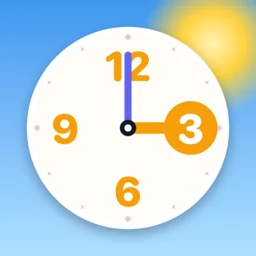

It started as a web page
My son was learning to tell the time, and the 24-hour clock was the bit that kept tripping him up. Half past three is 15:30, and every app or worksheet we tried treated that as a footnote. They’d drill the 12-hour face, or show a digital readout, and leave the jump between the two for me to explain at the kitchen table.
So I built him a clock. When I want to make something, I reach for the web. It’s what I know, it’s what I think in, and I can have something on a screen in an hour. The first version was a single clock face with the 12-hour numbers on the inner ring and the 24-hour numbers on the outer one, and the same hands pointing at both. Drag the hour hand round and 3 becomes 15 right in front of you. That was the whole idea, and it worked on him, so I tidied it up and put it in my lab (external site).
I iterated on it there for a while. The sky behind the face started sliding from night through morning to afternoon as the hands moved, so the time got a feel as well as a number. A quiz turned up, then difficulty levels. It was a nice little web app and I was happy with it.
Then it became an app
At some point it clicked that this thing would make a much better iPhone app than a web page, mostly because of the hands. The web version handled dragging a clock hand round with your finger fine, but as a native app it’s faster and more responsive, and that matters a lot when the whole app is a hand you drag. Touch is where native earns its keep.
So I converted it, with a lot of help from Claude Code. Everything is SwiftUI with no external libraries at all, and I pushed to keep it as native as I could. The payoff is the same one I got with Moons. The download is 11.2 MB. An app that teaches a child to read a clock has no business being any bigger than that.
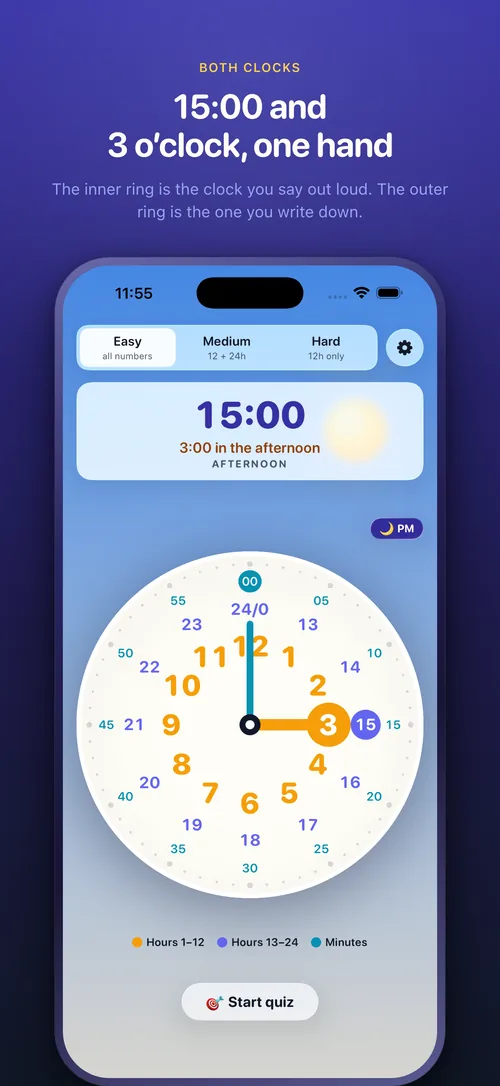
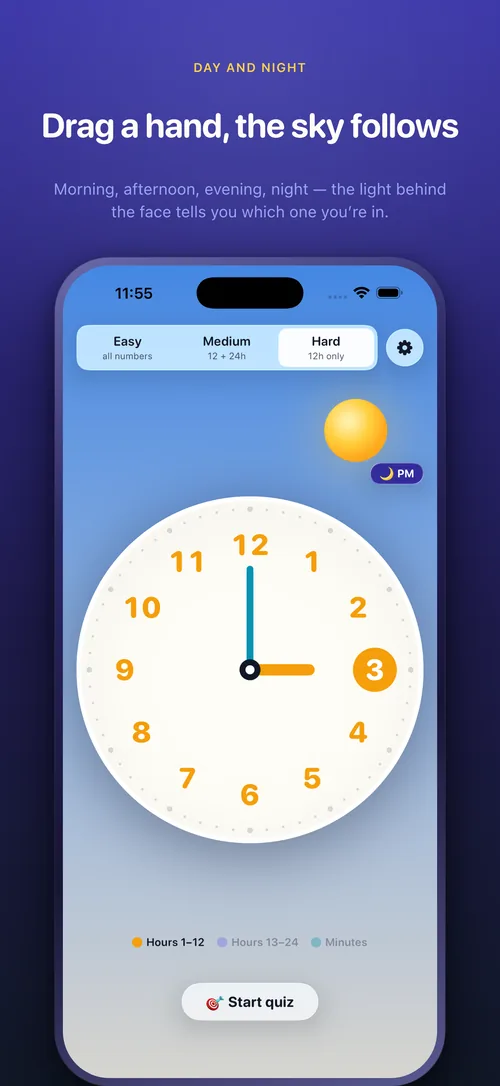
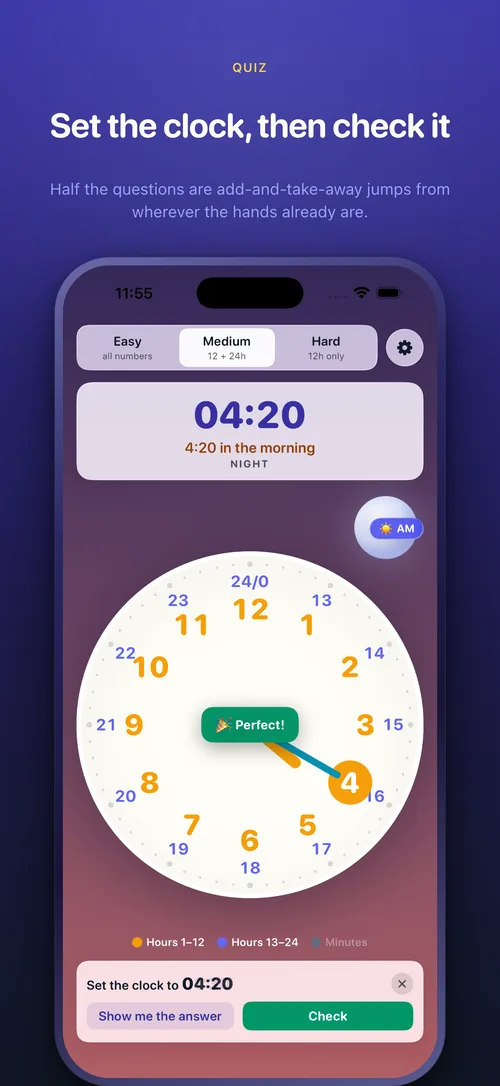
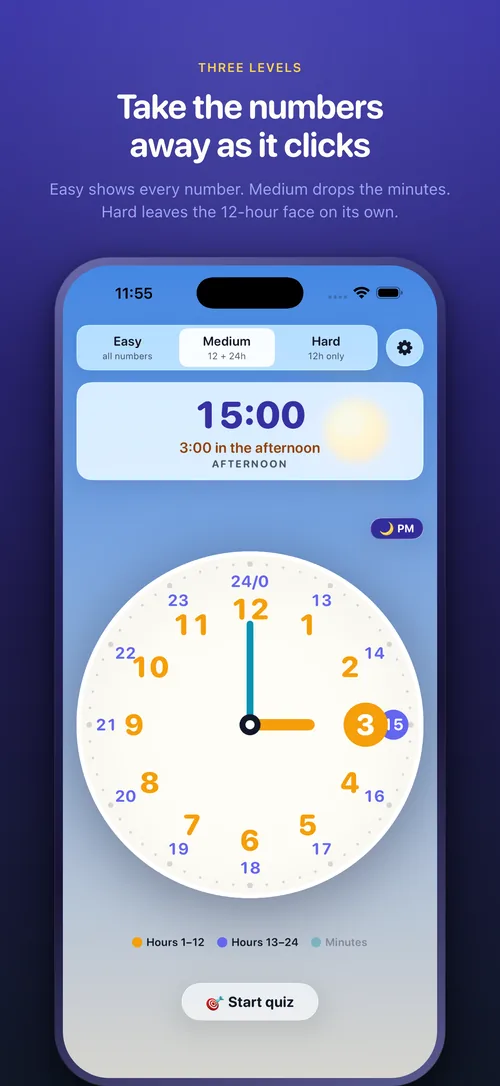
What’s in it:
- Both clocks on one face, sharing the same hands
- The sky changes with the time of day
- Three levels, from every number labelled down to a bare 12-hour face
- A quiz that marks you and explains the arithmetic rather than just congratulating you
- Hands linked like a real clock, or switched to move one at a time
- VoiceOver reads the face, and both hands work with it
No account, no network, no ads. It works on a plane and in a classroom with no wifi.
This was my first proper app in Swift. I’d written a native app for Otter before this, but that wasn’t a full application when I started, more a client for an API I already had. Time Tutor was the first time I built the whole thing from scratch, one screen and every state it can be in, and had to make it feel like it belonged on the phone. It taught me most of what I then used on Moons.
What it costs
£0.99, or $0.99, once. No subscription, no in-app purchases. I don’t expect to make much money from this, and that’s fine. But it’s worth saying that the web version made nothing at all. A web page is very hard to charge for, and an app on the App Store isn’t, so even a tiny amount of money is some return on the time it took to build. It scratched an itch, it helped my son, and if it helps a few other kids learn the time then it’s done its job.
Go and have a play with it (external site), and let me know what you think. I’d love to hear if it works for your kids too.